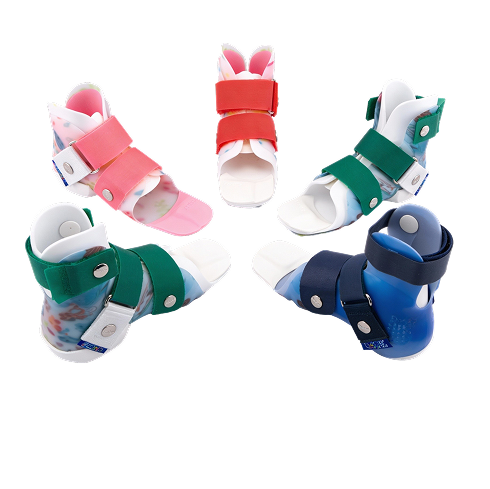
Guide to Brace Selection And IFUs
This page serves as a quick reference for orthotists, clinicians, and distribution partners. It provides an overview of the DAFO® brace selection approach and a central location to access official Instructions for Use (IFU) documents for regions where Cascade DAFO products are available.

Quick Guide to DAFO® Brace Selection
The DAFO® Guide to Brace Selection helps clinicians match patient presentation with the appropriate orthotic solution. It is designed to support efficient decision making during evaluation and prescription.
How to Use the Guide
Step 1: Identify the patient presentation
Patient groups are organized by common gait and postitioning challenges, such as:
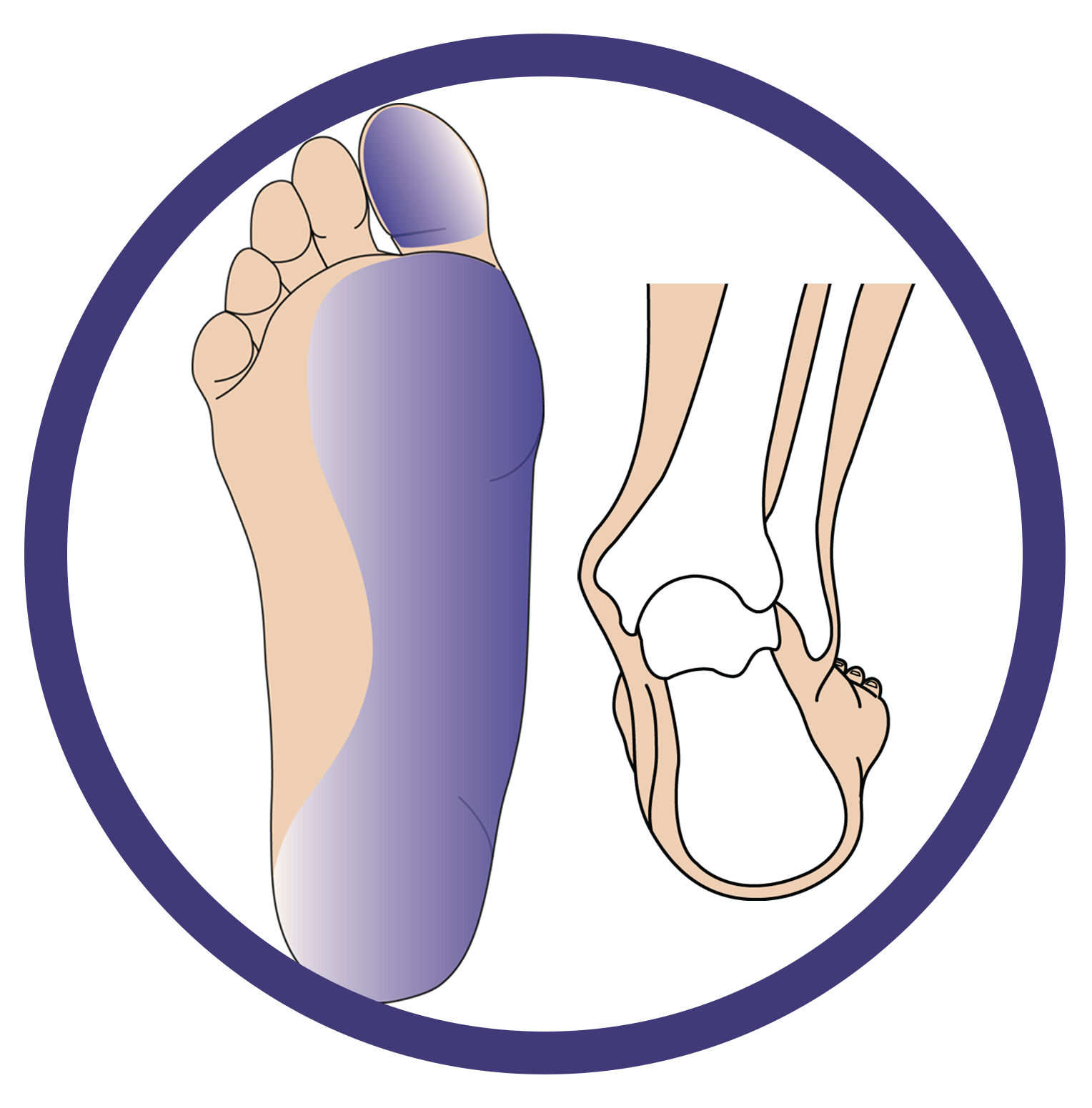
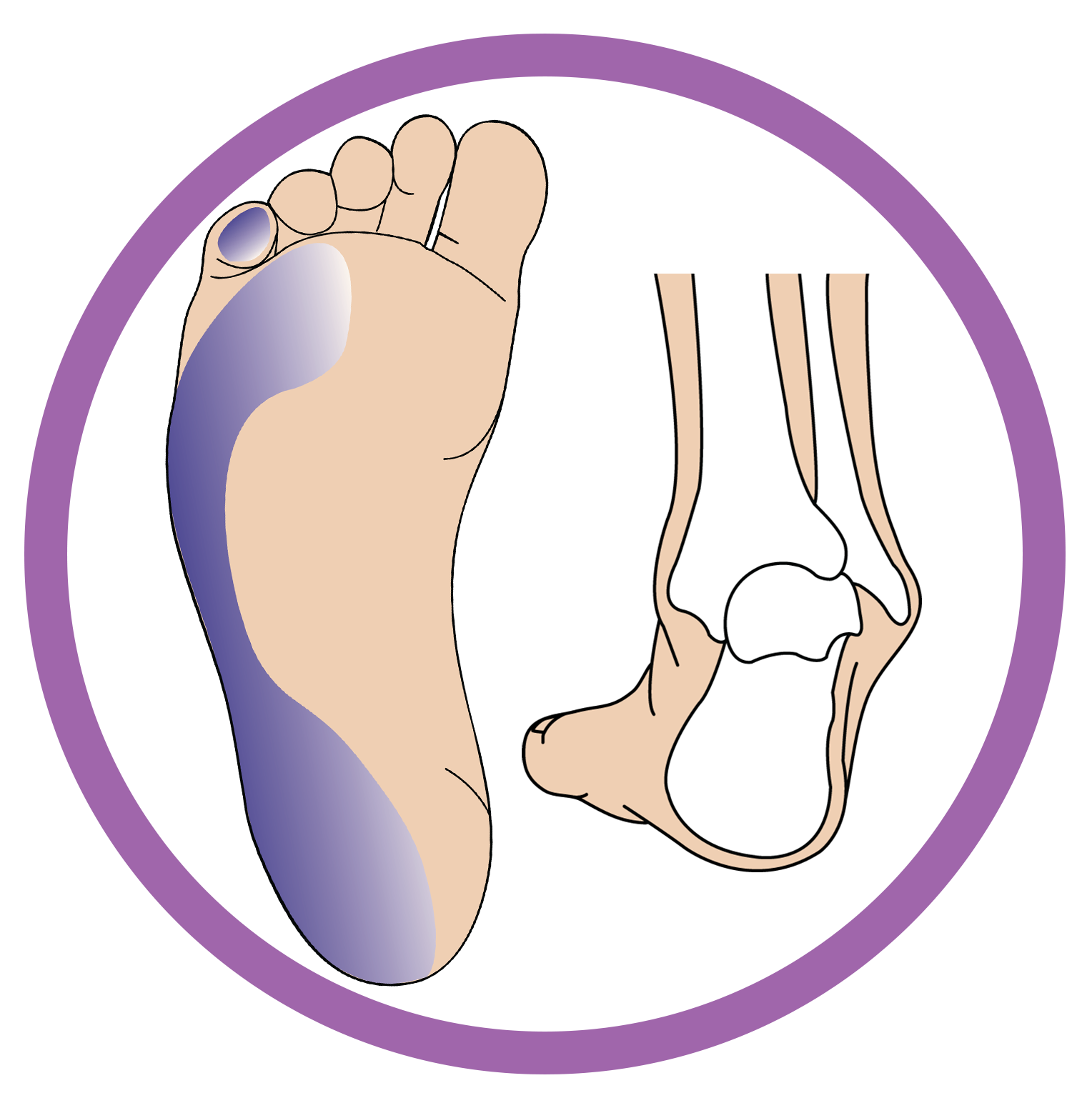
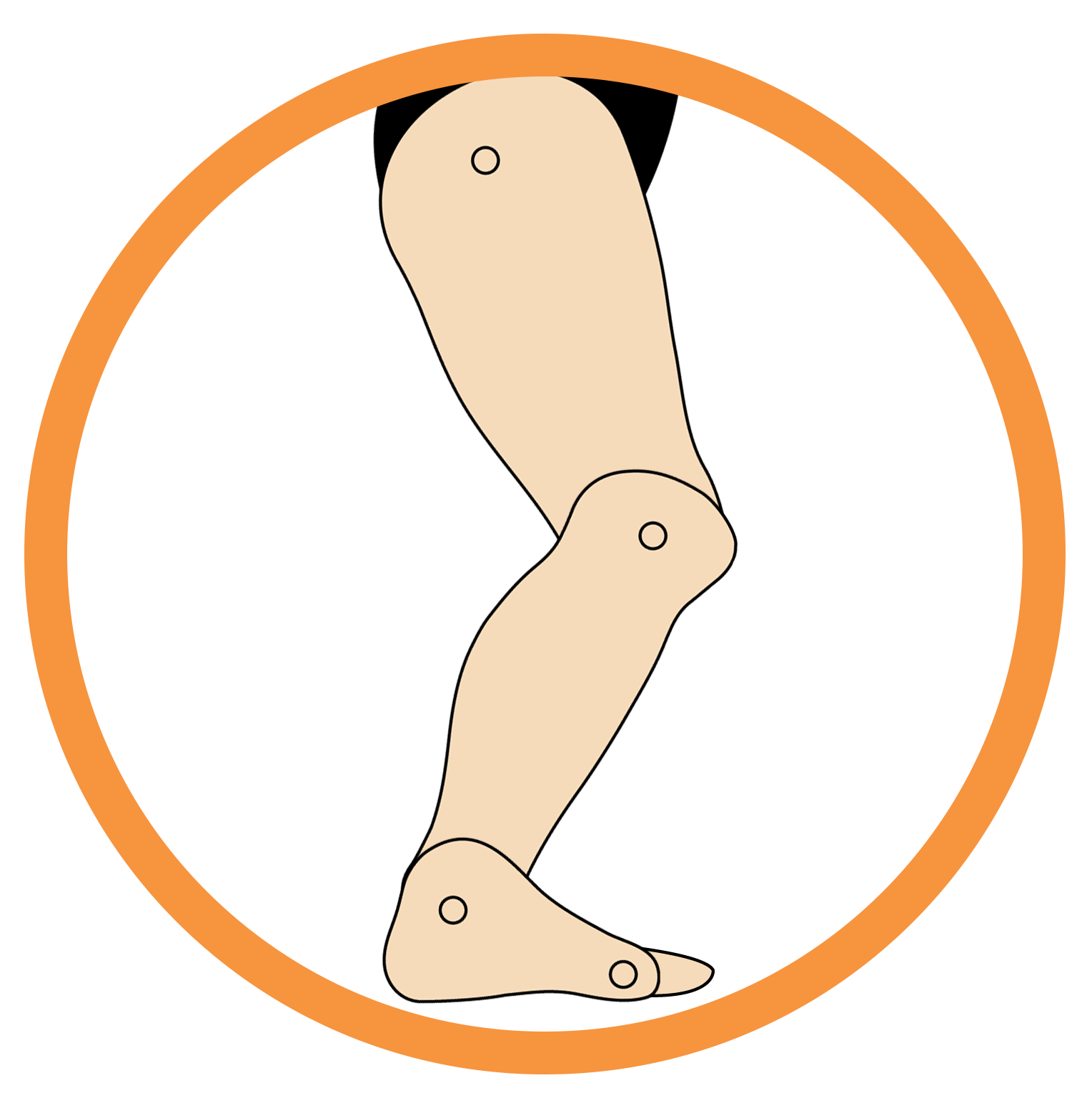
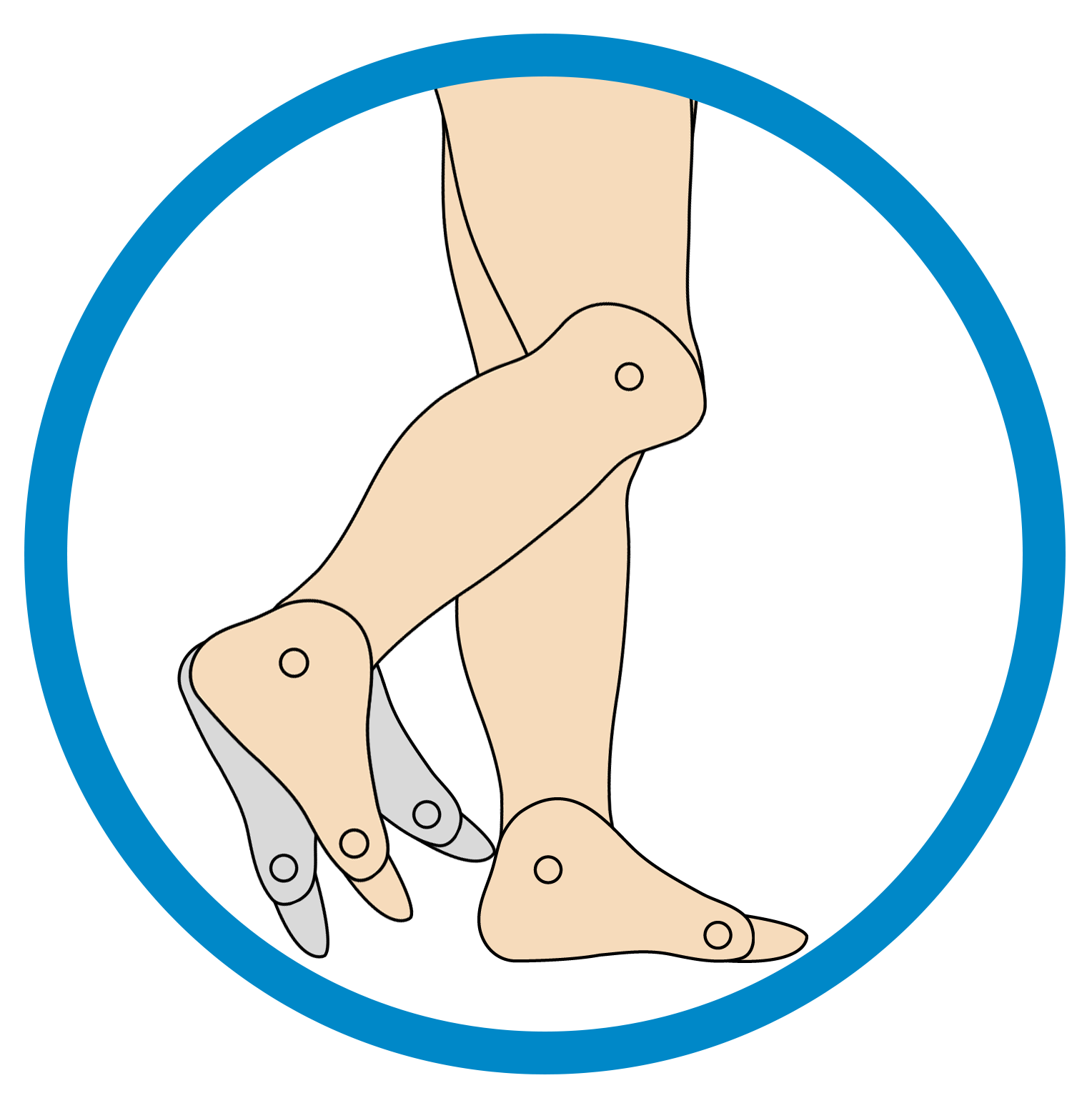
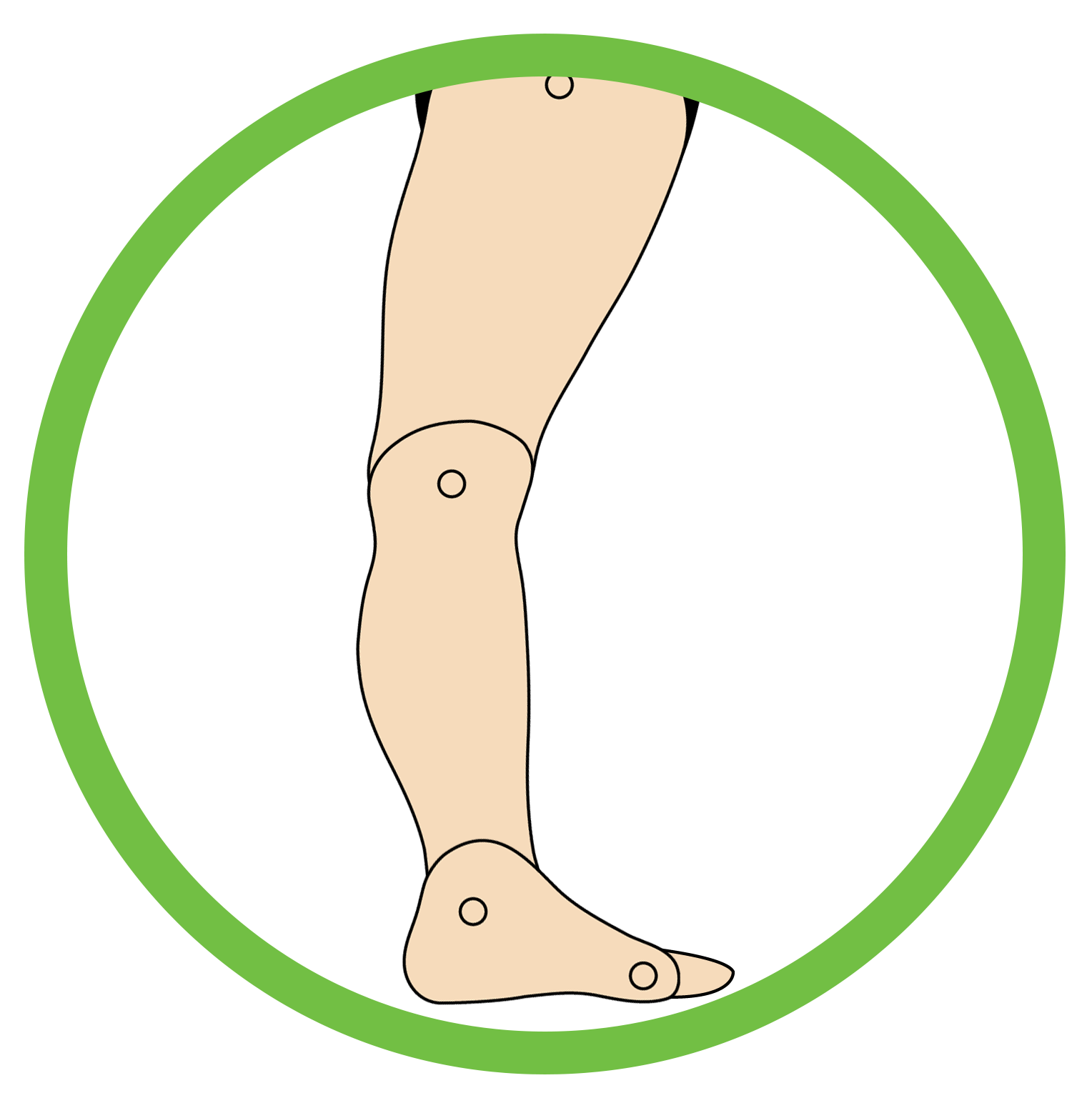
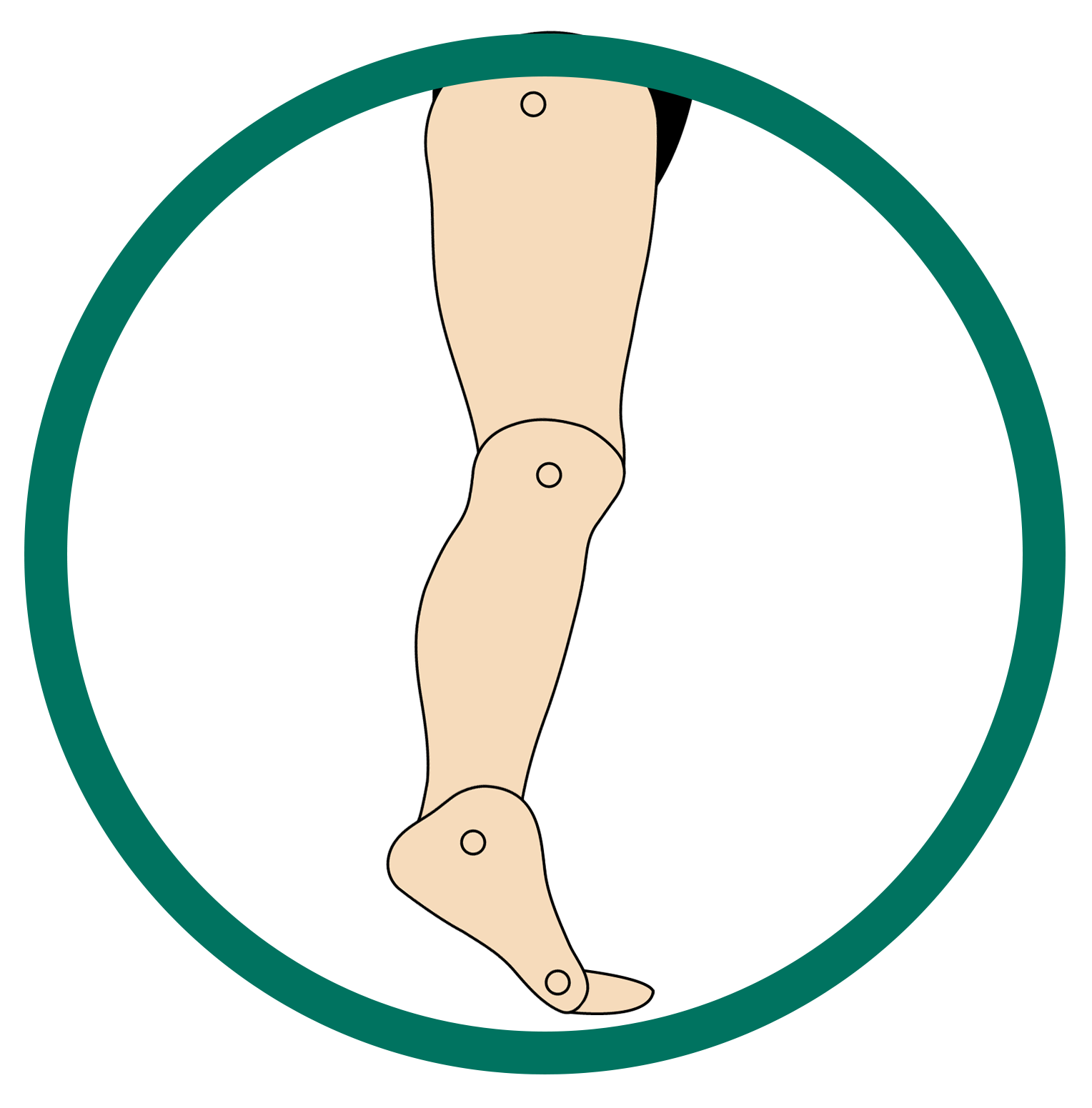
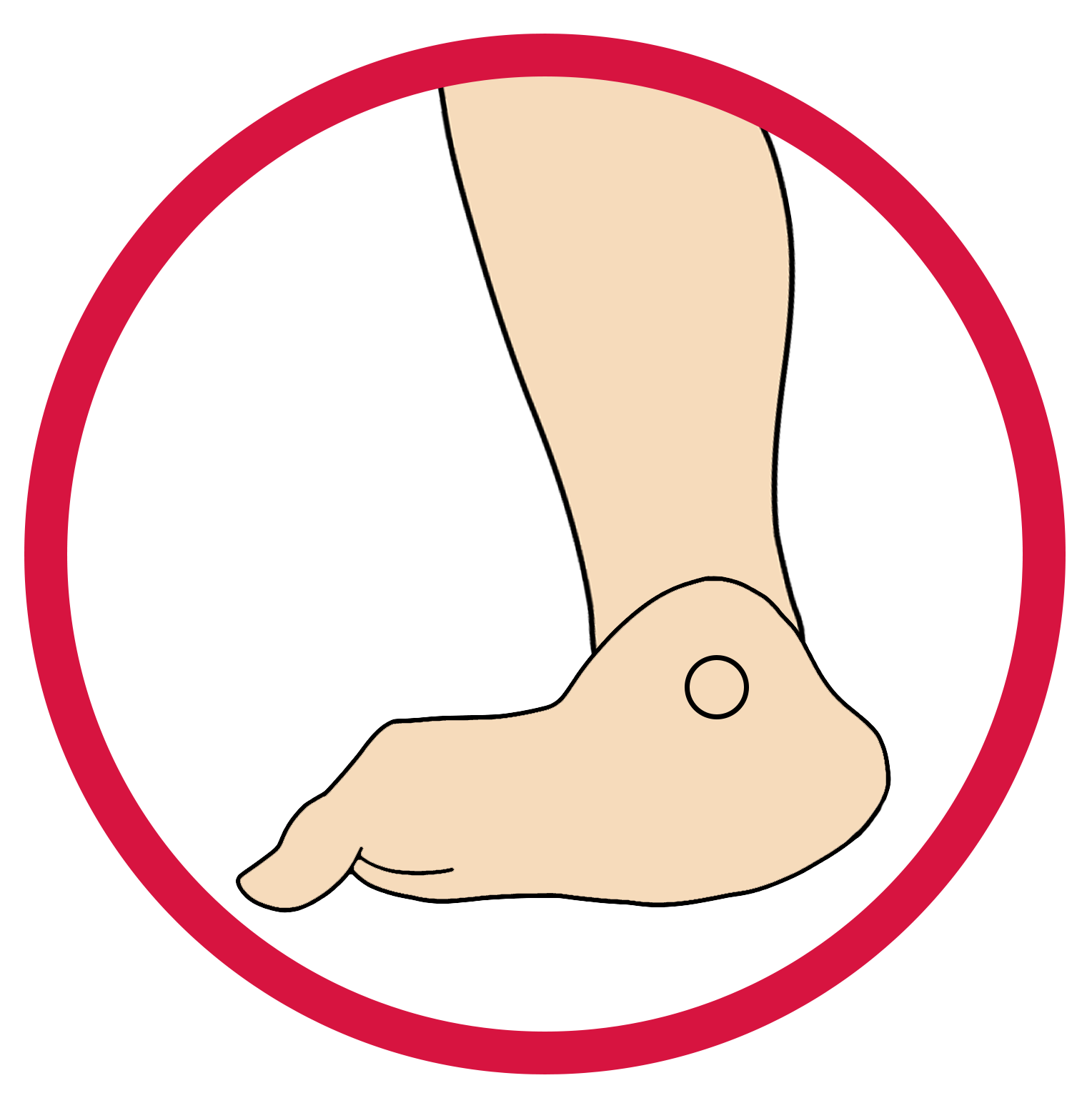
Step 2: Select the Right DAFO®
Choosing the correct DAFO® begins with understanding the level of involvement. Our Severity Matrix categorizes each presentation by severity and identifies the DAFO® and Fast Fit® products best suited to support alignment, stability, and functional movement.
Instructions for Use (IFU) Downloads
Below are official Cascade DAFO Instructions for Use documents, listed alphabetically by language. Each link opens a downloadable PDF.
Danish (US)
English (US)
Finnish
French (EU)
German
Norwegian
Polish
Portuguese
Spanish (EU)
Swedish
Explore the Full DAFO Product Range
This page provides high-level guidance to support understanding and selection. To view and compare all DAFO models, start in the product Hub.